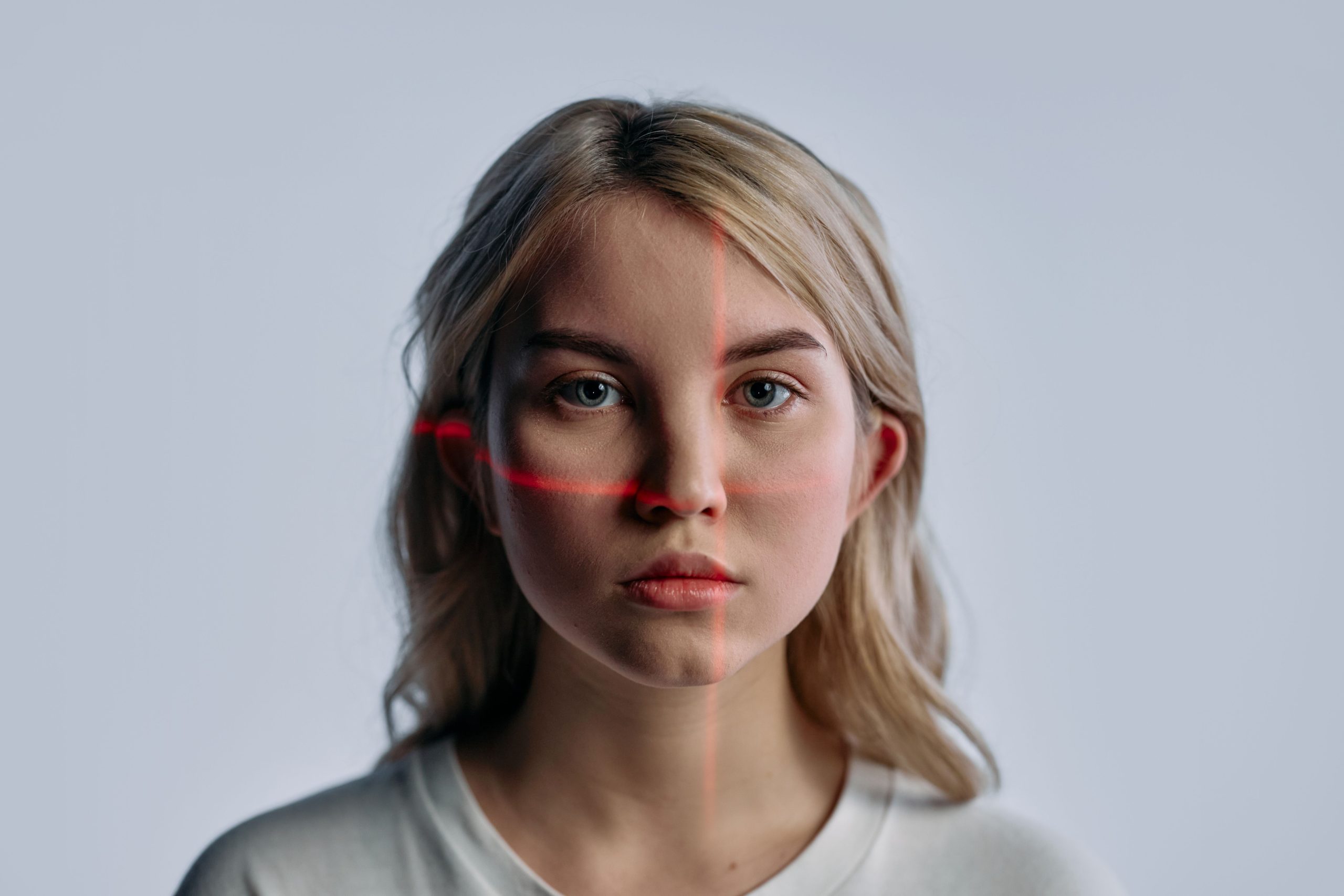
A convincing image can still tell a false story. It may be AI-generated, altered, genuine but years old, or real and captioned with the wrong place or event. Before you repost it, verify the claim attached to the image, not just whether the pixels look strange.
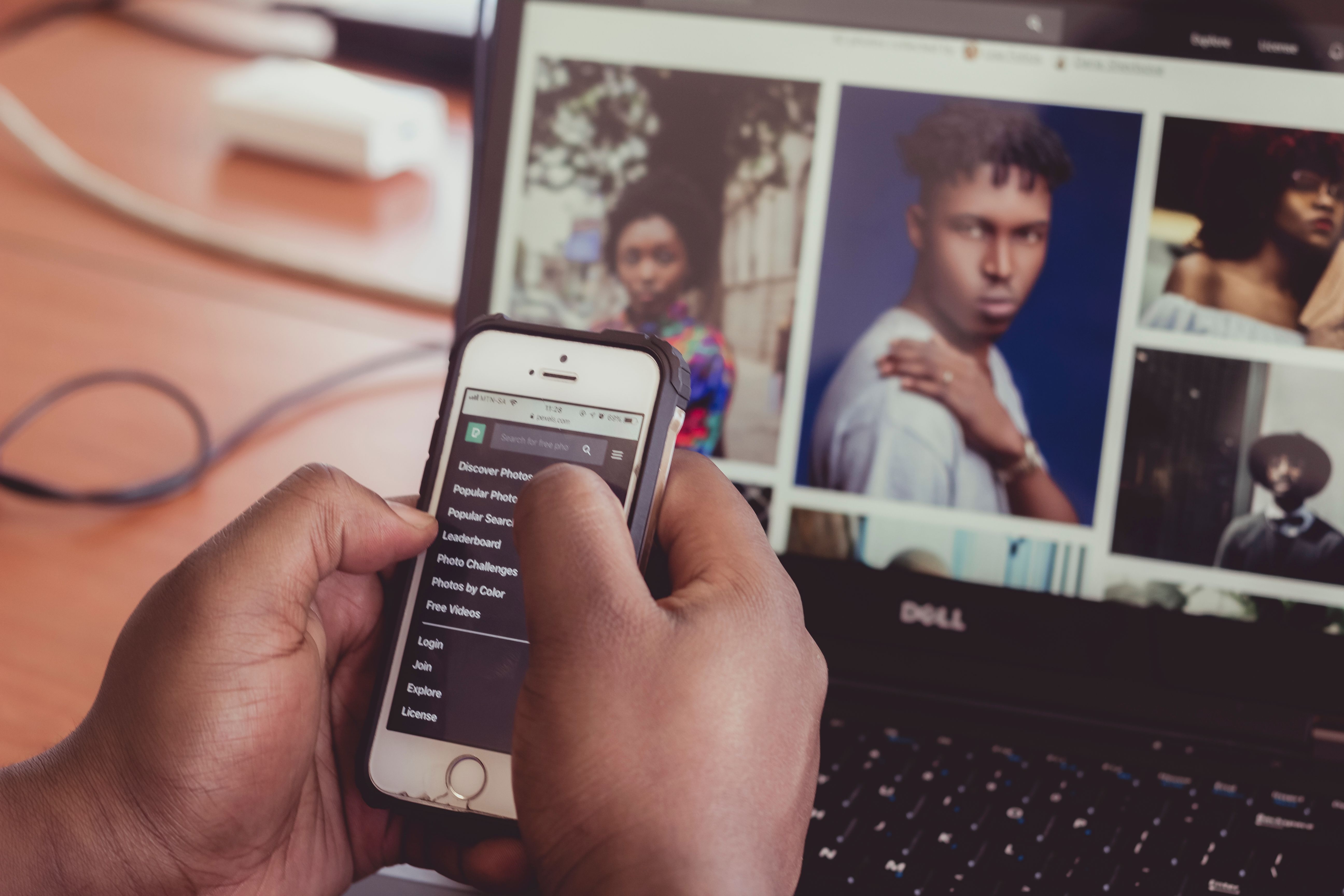
That distinction matters because visual fakery is not limited to deepfakes. An authentic photograph can become misinformation when it is given a false date, location, or explanation. My rule is simple: treat visual oddities as clues, not proof, and trust a traceable source more than a confident-looking detector score.
How to spot fake visuals: a practical verification sequence
Use these steps in order. They move from the claim and the image’s history to technical clues, rather than asking one tool to deliver a yes-or-no verdict.
- Pause and write down the claim. What does the post say the image shows, and when and where is it supposed to have happened? A vague claim is difficult to verify; a specific one gives you details to check. Don’t share it while you investigate, even to ask friends if it is real: that still amplifies it.
- Search for earlier copies. Use a reverse image search with the image itself, not only the caption. Look for the earliest credible appearance, the original publisher, and whether the same scene was previously described as something else. AFP’s guide to reverse image search explains how this can expose old images presented as new or photographs reused with a misleading caption. Search results are not exhaustive, so a missing match proves little.
- Check the scene against independent evidence. Compare visible landmarks, signs, weather, uniforms, vehicle markings, or other details with reliable reporting and maps. Ask whether a reputable local outlet, official source, or eyewitness account independently confirms the event. One odd hand or blurry sign is a lead to investigate, not a verdict: compression, motion, and ordinary photographic flaws can also look strange.
- Look for provenance information. Some files carry Content Credentials based on the C2PA standard, which can record aspects of an image’s origin and editing history. The C2PA FAQ describes how credentials are cryptographically signed and how they can be separated from an asset. If credentials are present, inspect what they actually say and who signed them. If they are absent, that alone does not show an image is fake; ordinary editing or sharing can remove metadata, and many images were never credentialed.
- Use an AI detector only as a secondary check. You can try an AI checker free as one preliminary signal, but don’t let a tool’s label settle the question. NIST’s 2024 report on synthetic-content transparency says detector performance varies with factors such as the generator, image characteristics, and post-processing. A result is not independent confirmation of the image’s origin or of the story attached to it.
Why the classic “AI tells” are not enough
Extra fingers, garbled text, reflections that do not line up, and oddly repeated textures can be useful prompts to inspect an image more closely. But they are not a reliable checklist. Image generators improve, and legitimate photographs can contain visual glitches caused by low resolution, movement, lighting, or compression. Conversely, an image can be manipulated subtly enough that nothing looks obviously wrong.
There is also a more important trap: a technically genuine photo can still mislead. It might show a different city, an earlier disaster, or an unrelated person. A detector that concludes “not AI-generated” cannot validate the caption. Nor can a credential proving an image’s editing history establish that the depicted event happened as claimed. Provenance tells you about a file’s history; verification tests the story.

What to do when you still cannot verify it
Use a confidence level that matches the evidence. If you find an original source and independent confirmation, say what those sources establish. If the image is circulating without a traceable origin, call it unverified rather than declaring it fake. If the subject is a breaking event, wait: early reports are often incomplete, and a cautious delay is cheaper than helping a false claim spread.
I would rather miss the first few minutes of a viral post than be the reason an old or synthetic image acquires a new audience. When you cannot verify the image, the most accurate thing to share may be nothing.


